

Incident Management Built for NDIS Accountability
From the moment something happens to the final resolution, report fast, follow up completely, and stay audit-ready.
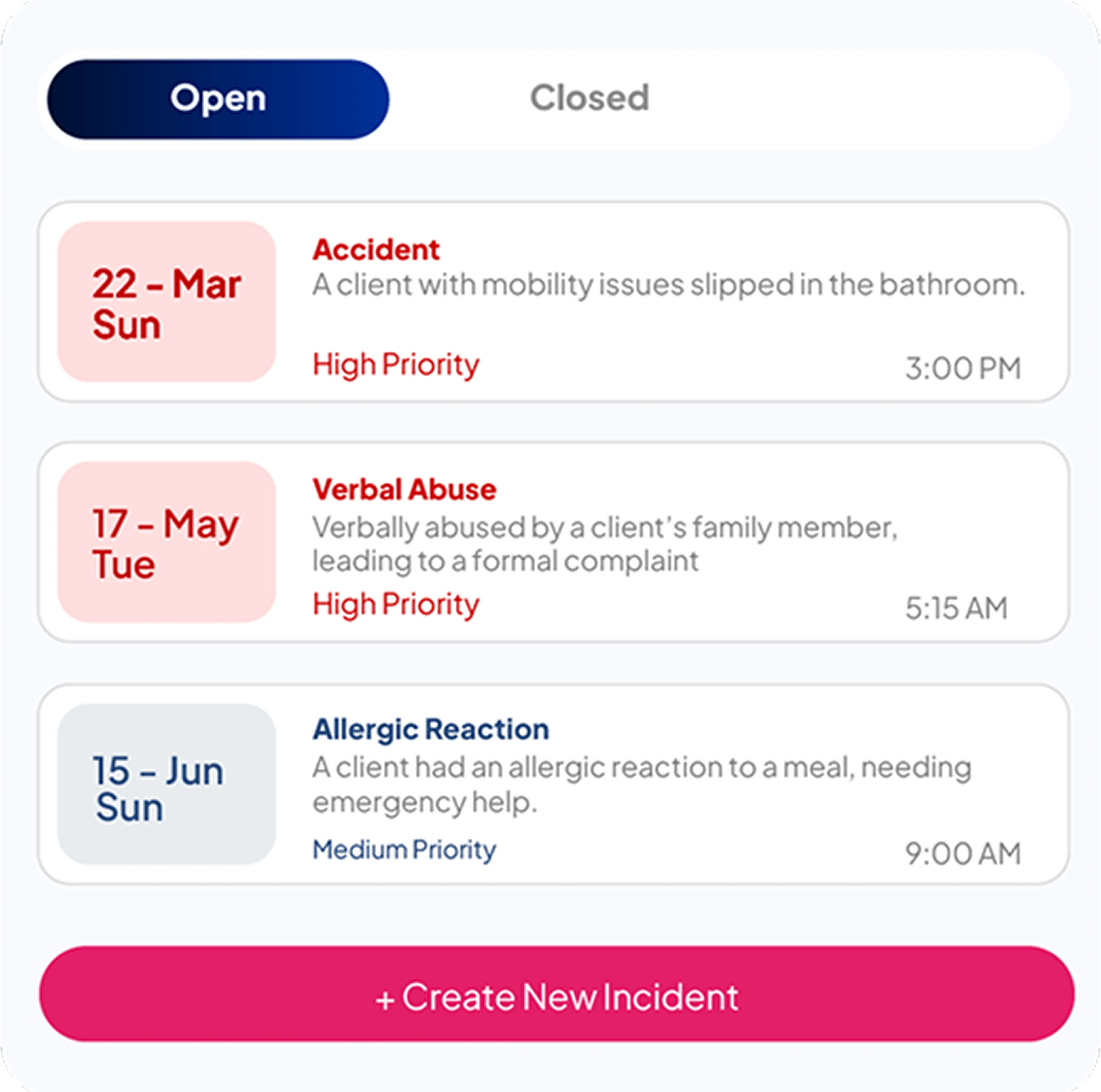
Incident Dashboard
Get a live view of all incidents, pending actions, and compliance deadlines, all from one screen.
Live KPI Overview
See how many incidents are open, in progress, or overdue the moment you log in.
Follow-Up Tracker
Check which follow-up tasks are due or overdue and who is responsible.
Sector-Wise Breakdown
View incident activity split across NDIS, Aged Care, and Allied Health to stay on top of every service area.
Incident Logging
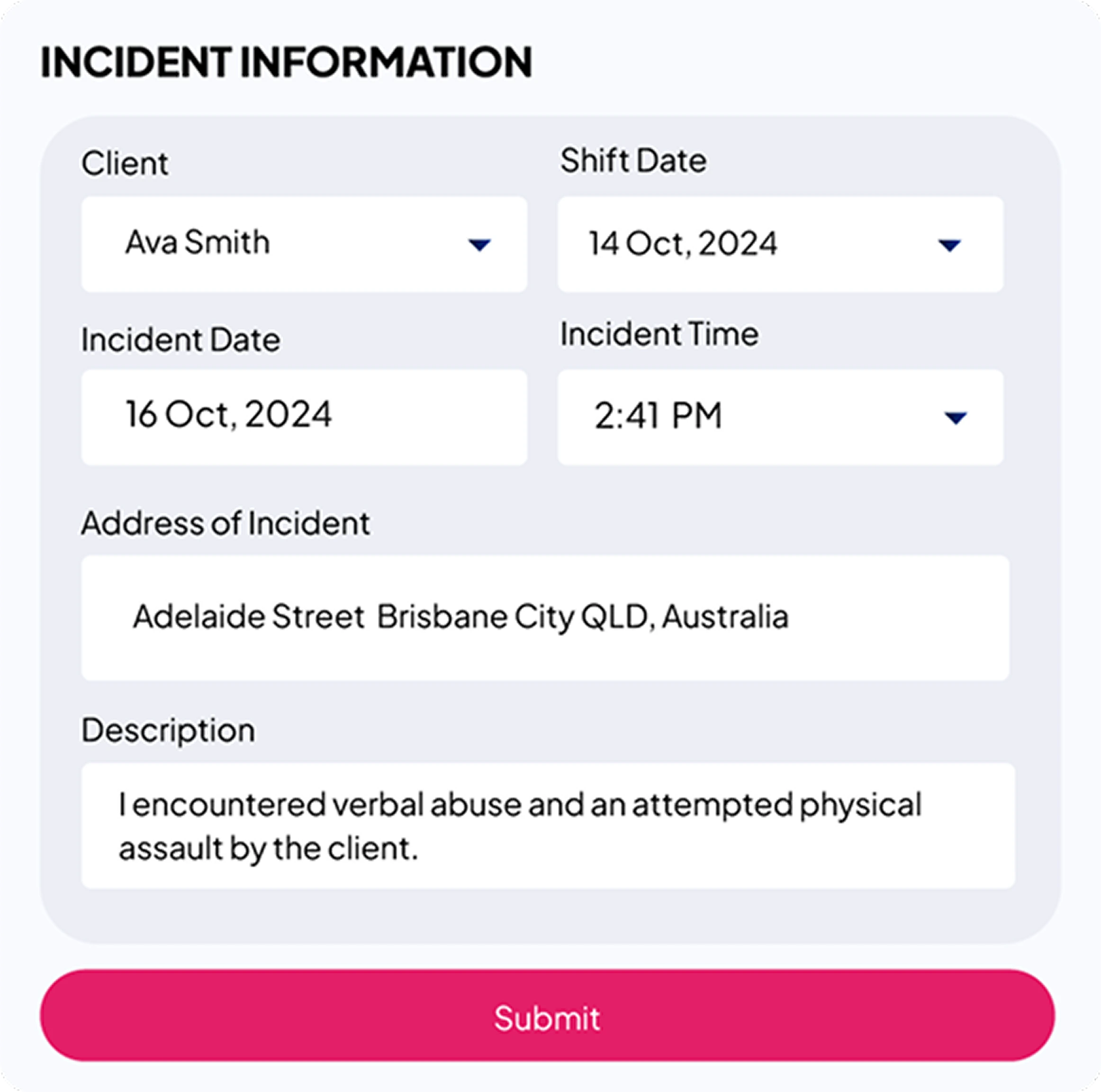
Log a new incident directly in Rotawiz with all the details needed to stay compliant and audit-ready.
Step-by-Step Form
Fill in incident details, people involved, and follow-up actions in a simple guided form.
Flag for Reporting
Mark an incident as NDIS/SIRS reportable while logging it. Compliance tracking begins automatically.
Attach Supporting Documents
Upload police reports, witness statements, or any related files directly to the incident record.
Follow-Up & Case Management
Log follow-ups, assign tasks, and make sure nothing is left open before an incident is marked complete.
Multiple Follow-Ups Per Incident
Different team members can log their own follow-up actions against the same incident.
Add Follow-Ups on the Go
Update an incident with a new follow-up note directly from the incident list without opening the full record.
Controlled Closure
An incident cannot be closed until every follow-up is completed.
Compliance & Notifications
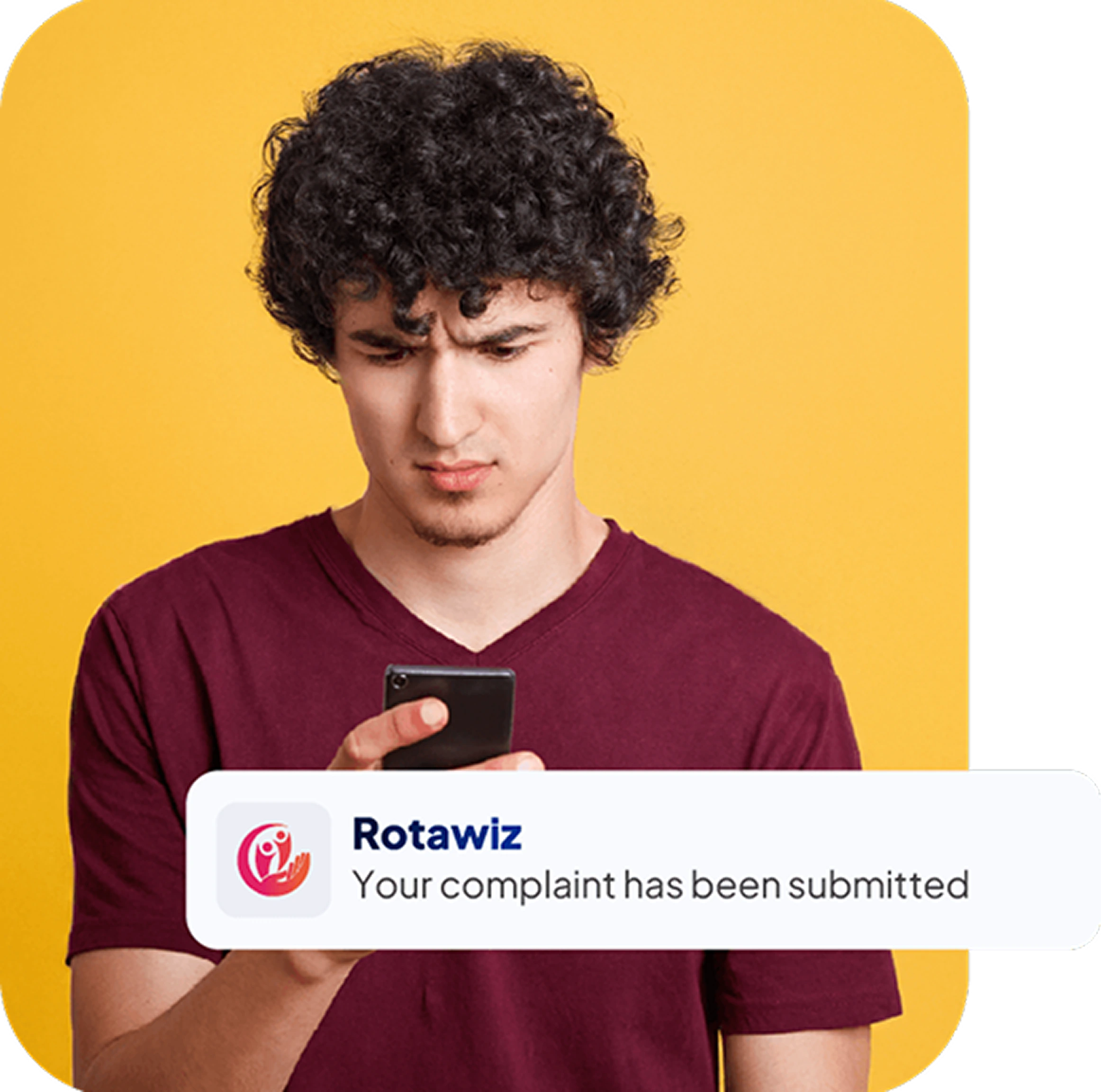
Rotawiz tracks your NDIS/SIRS reporting obligations and reminds you before time runs out.
Automatic Deadline Tracking
Reporting windows are calculated automatically based on incident type.
Mark as Submitted
Once a notification is submitted to the regulator, update it in one click and remove it from your pending list.
Reporting Guide Built In
Not sure what needs to be reported? A compliance reference guide is available right inside the notifications panel.
Incident Records & Audit Trail
Every detail, every update, and every action is saved and available whenever you need it.
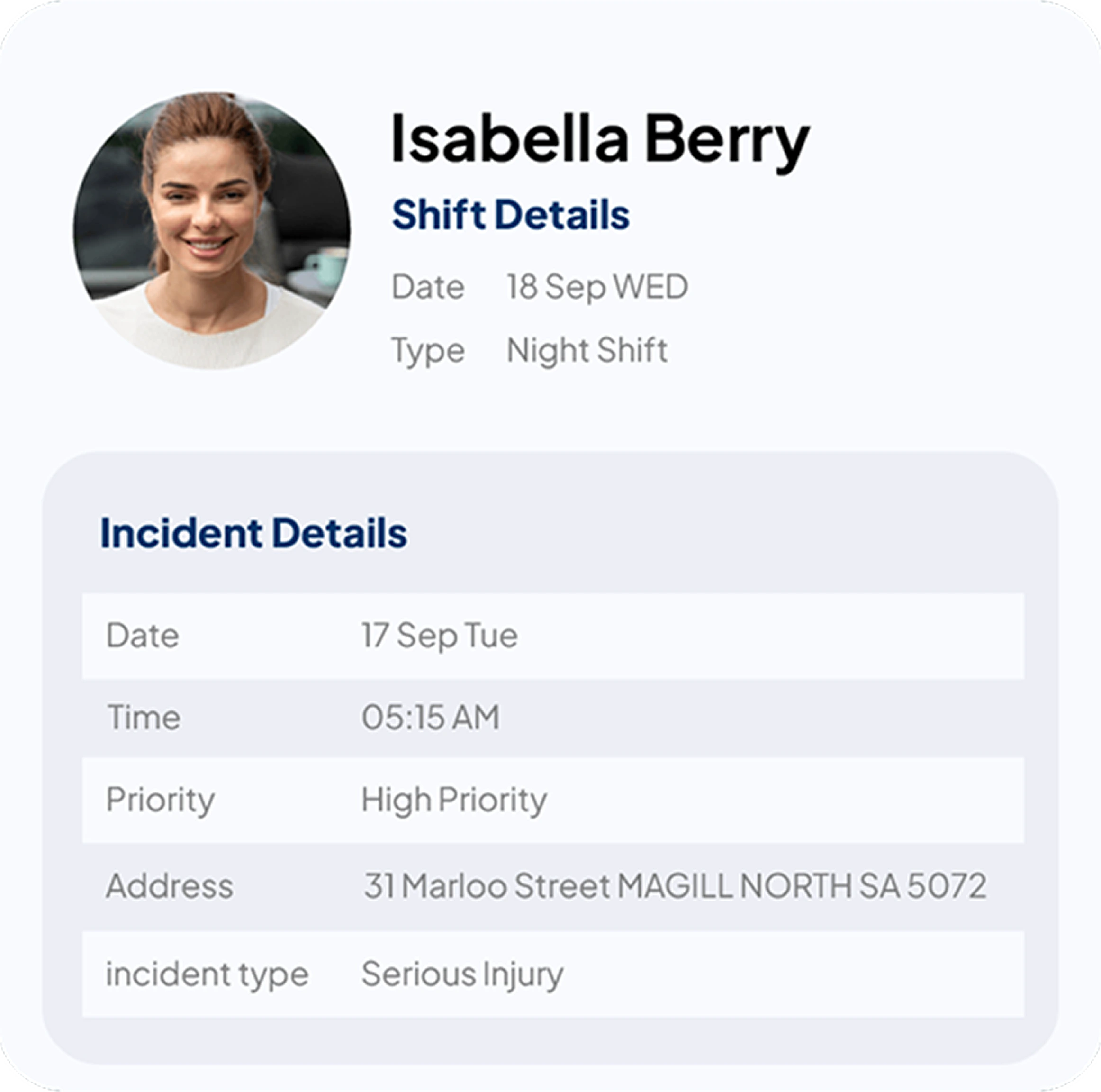
Full Incident View
See participant details, staff involved, follow-up history, and notification status all in one place.
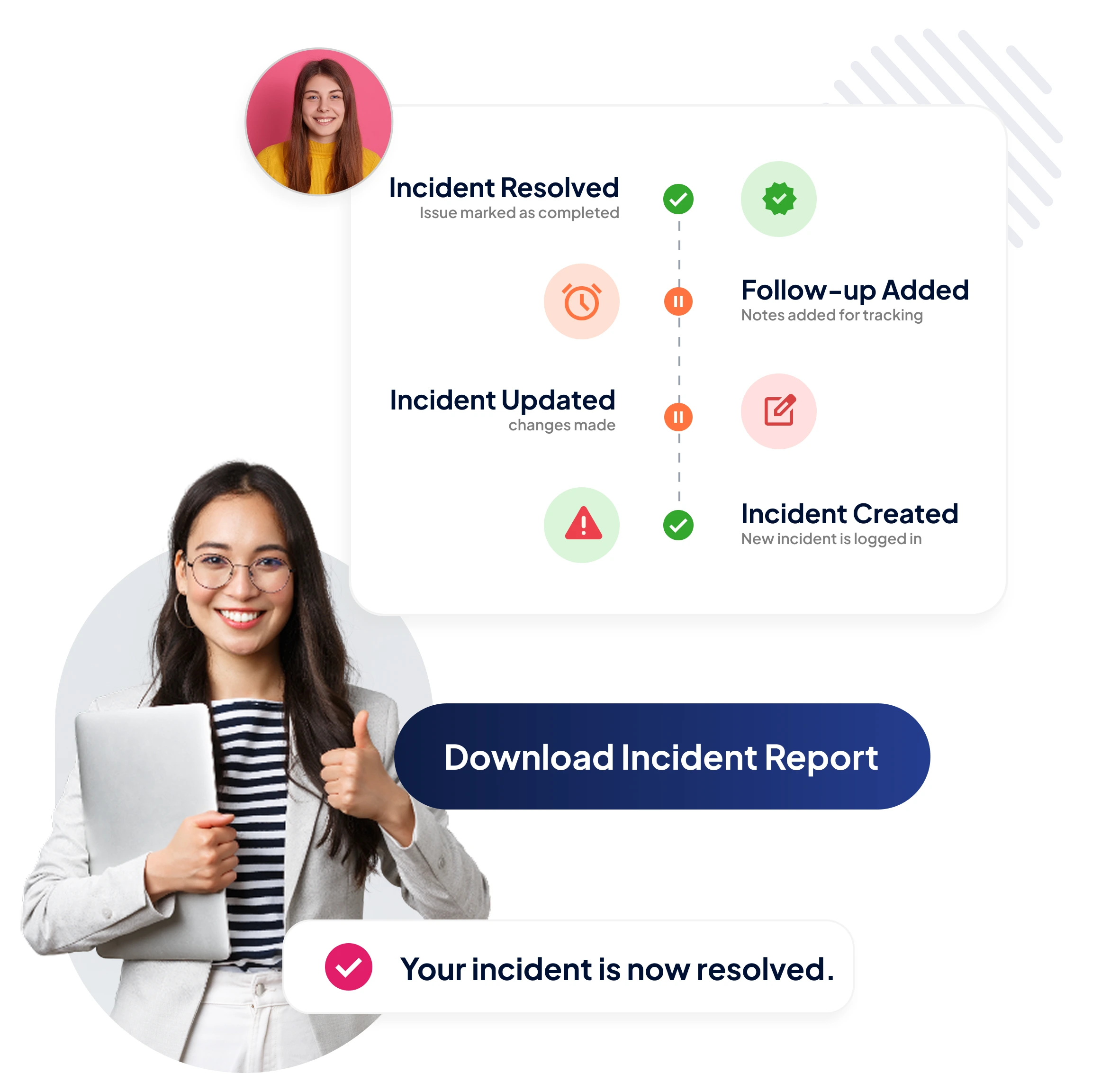
Activity Timeline
Every status change, follow-up, and update is logged with a timestamp so you have a clear audit trail.
Download as PDF
Export a clean, complete incident report in one click, ready for audits, family records, or regulatory submissions.
Go Extra Mile With Our Advanced Features
Calendar Management
Invoicing
Shift Management
Want to Deliver a
Higher Standard of Care and Manage Your Team Effortlessly?
We Got You Covered For All Your Questions!
Visit our dedicated page to get your queries and questions addressed with detailed information.