

Connected Shift Visibility With NDIS Google Calendar Integration
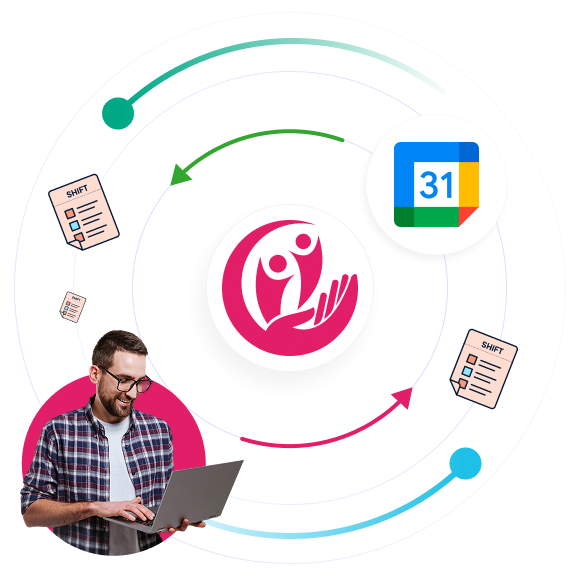
Simplify workforce scheduling by connecting shifts directly with Google Calendar through secure synchronisation workflows designed for NDIS providers. NDIS Google Calendar Integration helps teams manage assigned shifts, schedule visibility, recurring services, and real-time calendar updates without relying on disconnected scheduling tools or manual calendar entries.
Connected Calendar Sync
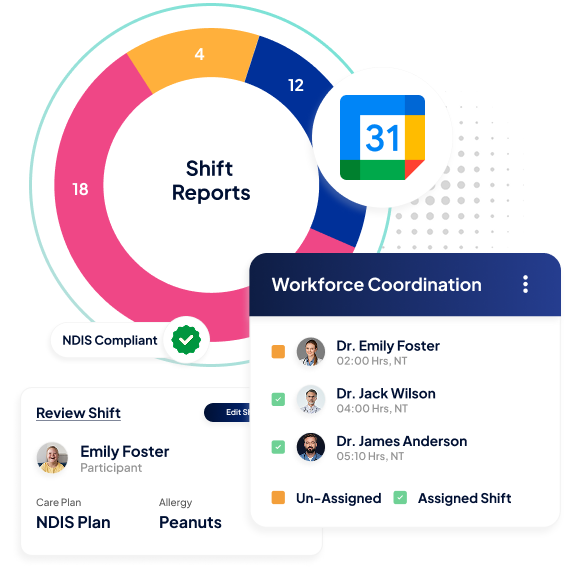
Manage workforce schedules through one connected integration environment designed to improve visibility across synced shifts, recurring schedules, and calendar-based workforce planning.
Secure Google Connection
Connect Google Calendar securely through authenticated account integration workflows.
Integration Status Visibility
View connected or disconnected calendar status directly within the platform.
Synced Shift Coordination
Keep assigned workforce schedules connected with external calendar visibility.
Smarter Shift Sync
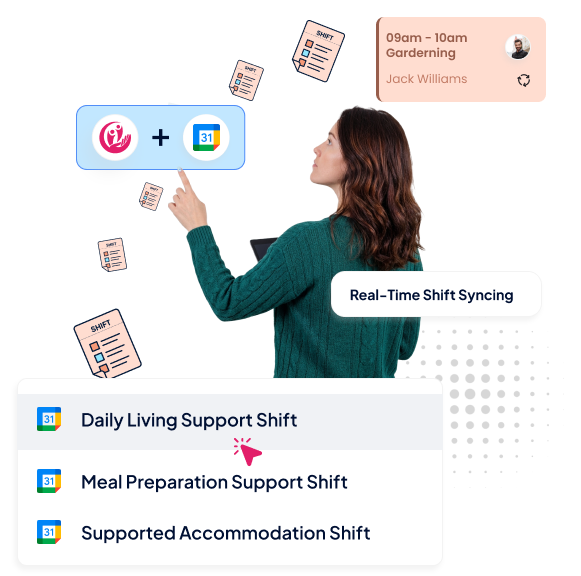
Automatically sync eligible shifts into external calendars through connected Google Calendar Integration software workflows designed for operational scheduling continuity.
Real-Time Shift Syncing
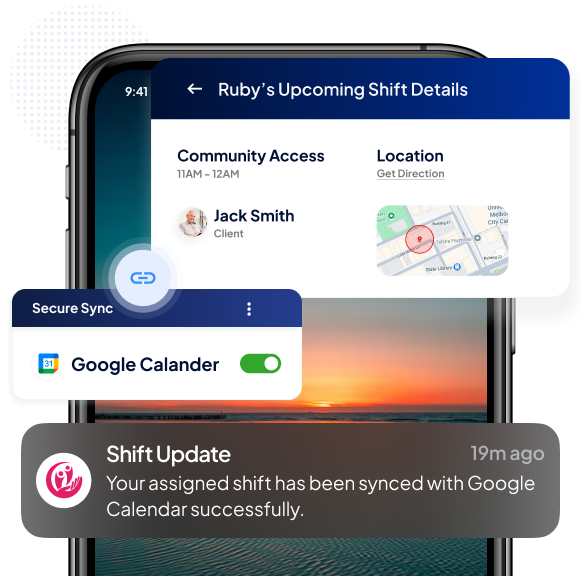
Eligible shifts appear automatically inside the connected Google Calendar environment.
Recurring Shift Support
Future recurring shift occurrences remain synced after integration setup.
Status-Based Synchronisation
Shift updates remain aligned with scheduling status changes and operational modifications.
Dynamic Calendar Updates
Reduce scheduling inconsistencies by helping operational teams maintain more accurate external calendar visibility across workforce changes and roster adjustments.
Live Schedule Updates
Calendar events update automatically when shift information changes.
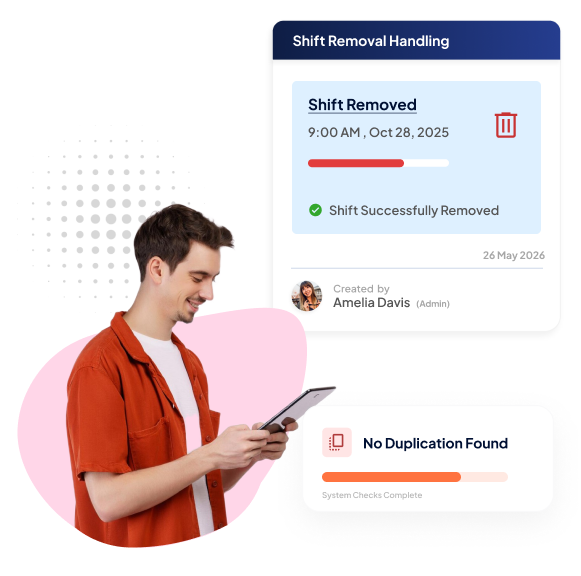
Shift Removal Handling
Deleted or unassigned shifts are removed from synced calendar workflows.
Duplicate Prevention
Connected sync handling helps avoid repeated calendar event creation.
Detailed Event Visibility
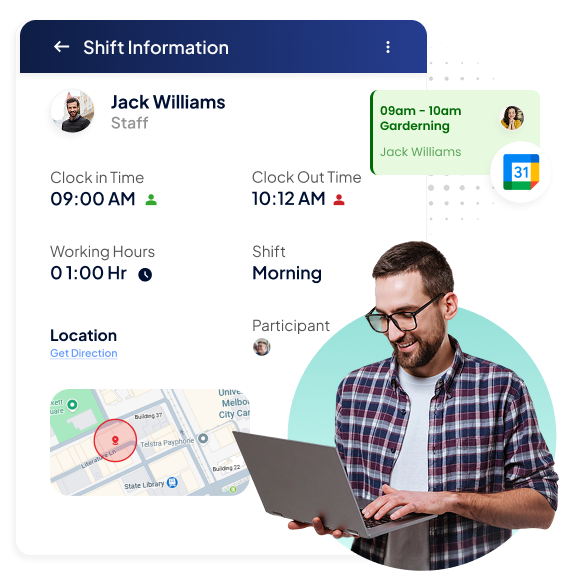
RotaWiz helps providers maintain more organised NDIS Google Calendar Integration by keeping shift-related details connected within every synced calendar event.
Shift Information Mapping
Calendar events include shift type, participant details, timings, and assigned employees.
Location Visibility
Shift locations remain connected to synced calendar schedules.
Operational Instructions
Important shift instructions remain visible directly inside calendar events.
Smarter Scheduling
RotaWiz supports providers with Google Calendar Integration software designed to improve scheduling visibility, workforce accessibility, and operational coordination across growing care environments.
Better Staff Accessibility
Employees can review assigned shifts directly from their connected calendar.
More Organised Scheduling
Reduce fragmented scheduling visibility across multiple operational systems.
Improved Daily Planning
Give teams clearer visibility across upcoming roster commitments and assigned services.
Connected Across Devices
Create more reliable workforce scheduling experiences through NDIS Google Calendar Integration workflows that remain accessible across web and mobile environments.
Web And Mobile Access
Manage calendar connections through both mobile and web applications.
Cross-Platform Visibility
Connection status remains aligned across connected devices and platforms.
Personal Shift Syncing
Employees only sync shifts assigned directly to their own schedules.
Smarter Integration Control
Manage connected calendar workflows with greater operational reliability using Google Calendar Integration software designed for secure account handling and sync continuity.
Secure Authentication
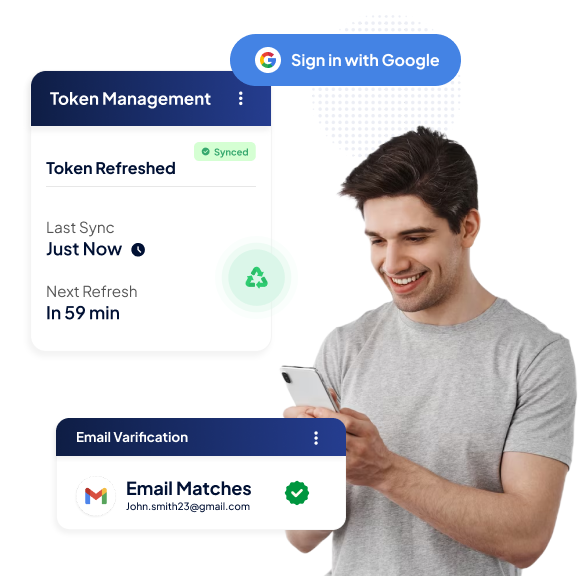
OAuth-based authentication helps maintain protected Google account connections.
Email Validation
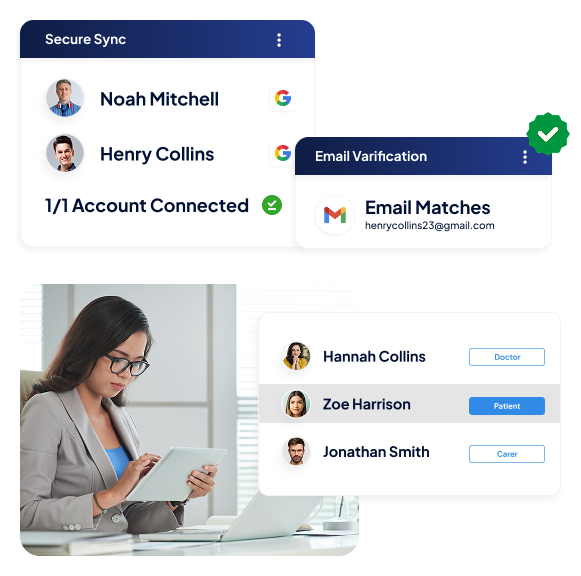
Connected Google accounts must match registered RotaWiz email records.
Token Management
Integration workflows support secure token refresh and connection handling.
Reliable Sync Operations
Strengthen workforce scheduling continuity through connected synchronisation workflows designed to support real-time updates and operational consistency.
Retry Handling
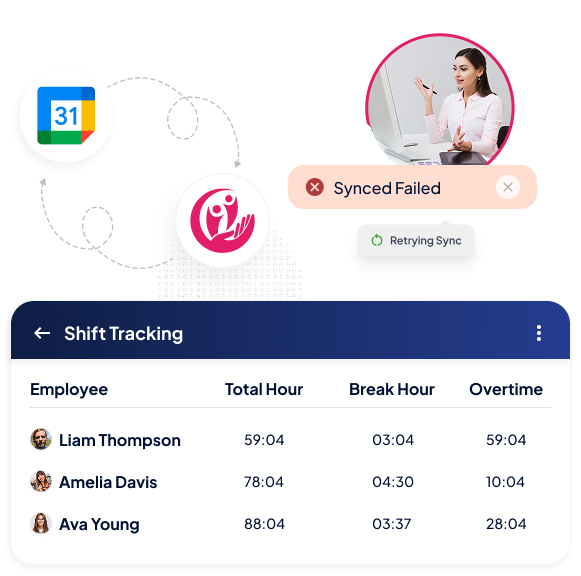
Failed synchronisation attempts retry automatically to improve scheduling reliability.
Sync Monitoring
Calendar updates remain connected with workforce scheduling activity.
Consistent Scheduling Visibility
Maintain clearer workforce scheduling accuracy across external calendar environments.
Controlled Access
Maintain more secure calendar connectivity with operational controls designed to improve account validation, integration reliability, and connected scheduling access across workforce teams.
Single Account Connection
Only one Google account can remain connected per user profile.
Verified Email Matching
Connected Google accounts must match the registered RotaWiz account email.
Secure Connection Handling
Encrypted token workflows help maintain safer calendar integration management.
Shift Lifecycle Sync
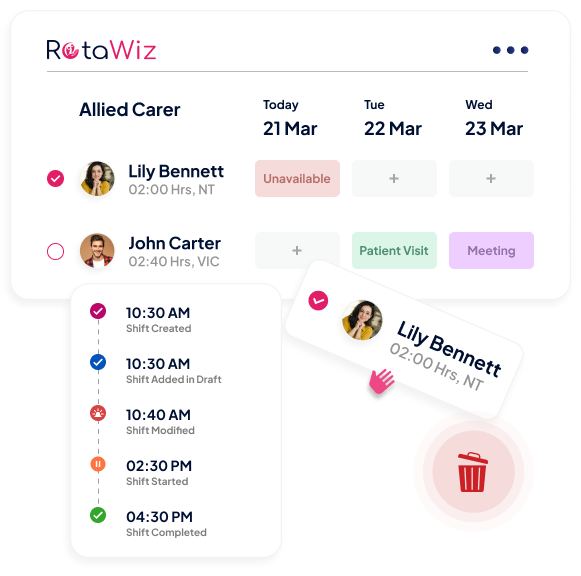
Improve external scheduling accuracy with connected workflows that keep Google Calendar events aligned with workforce roster changes across the entire shift lifecycle.
Automatic Event Creation
Eligible shifts automatically create synced calendar events after connection.
Status Transition Handling
Calendar events update dynamically as shifts move through operational statuses.
Real-Time Event Removal
Unsynced or deleted shifts are automatically removed from connected calendar workflows.
Go Extra Mile With Our Advanced Features
Split Shift
Analytics & Reports
Time & Attendance
FAQs
What is NDIS Google Calendar Integration?
NDIS Google Calendar Integration helps providers sync workforce shifts directly with Google Calendar for better scheduling visibility, external calendar access, and operational coordination.
What shift types can be synced with Google Calendar?
Eligible shifts, including confirmed, pending, completed, cancelled, rejected, updated, and in-progress schedules, can sync with connected calendar workflows.
Does the integration support recurring shifts?
Yes. Future recurring shift occurrences can automatically sync to the connected Google Calendar after integration is enabled.
Can employees sync only their own shifts?
Yes. Employees can only sync shifts assigned directly to their own workforce schedules.
What information appears inside synced calendar events?
Calendar events can include shift type, participant information, employee name, timings, location details, instructions, and scheduling status.
Does Google Calendar Integration software update shifts automatically?
Yes. Connected calendar events update automatically whenever shift information changes inside the platform.
Can users disconnect Google Calendar at any time?
Yes. Users can disconnect their Google Calendar connection directly from the platform, which immediately stops future synchronisation workflows.
Want to Deliver a
Higher Standard of Care and Manage Your Team Effortlessly?
We Got You Covered For All Your Questions!
Visit our dedicated page to get your queries and questions addressed with detailed information.