

Import Clients & Employees Data Into RotaWiz With Accuracy and Ease
Transitioning to a new rostering system should not mean starting from scratch. Easily import client and employee data from existing platforms without wasting time on manual entry. Experience a smooth migration, accurate records, and faster setup with minimal effort. Our import client and employees software provides ready-to-use templates, automated validation, and error-free uploads so you can focus on what matters most: delivering reliable care.
Effortless Data Migration
Move client and employee details seamlessly into RotaWiz with ready templates and automated uploads.
Pre-Built Templates
Structured templates with fields already mapped to records make the data preparation process simple and consistent.
Quick Uploads
Upload the files instantly into RotaWiz without the need for complex setup or technical knowledge.
Instant Integration
Uploaded data gets automatically synced with the platform without manual
re-entry
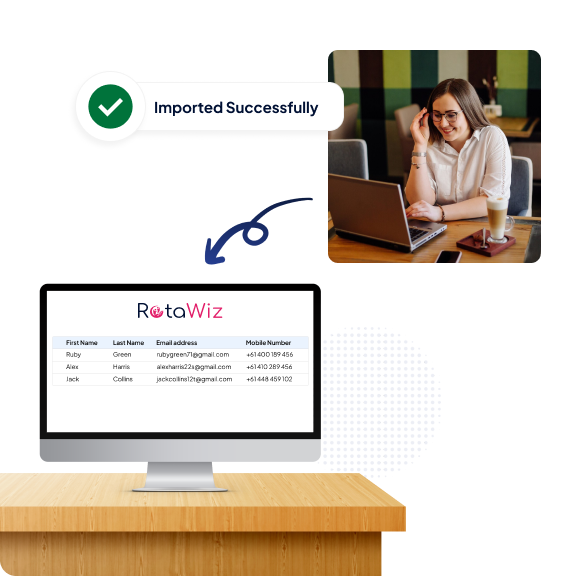
Error-Free Import
No chaos of manual process with a structured import client software and import employees software.
Automatic Validation
The system checks every field for missing or incorrect information before uploading.
Consistent Accuracy
Data is imported in a structured format, ensuring all uniformity across the platform.
No Duplication
Built-in safeguards prevent duplicate entries, keeping your database clean and easy to manage.
Time Saving
By using import client and employee software, admins save countless hours of manual data entry.
Faster Setup
Get started with RotaWiz almost instantly, instead of spending weeks entering details manually.
Reduced Effort
Automation eliminates repetitive work, freeing admins from time-consuming tasks.
Focus on Care
With less time spent on admin, concentrate on delivering quality care and meeting participant needs.
Universal Compatibility
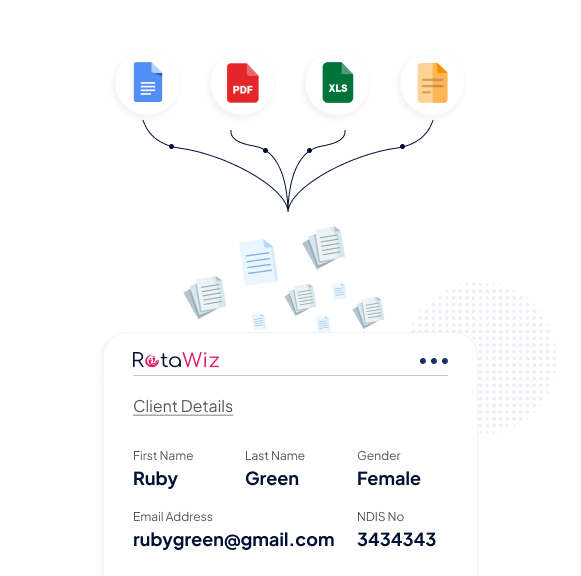
The feature works with data from various platforms, making it flexible for providers of all sizes.
Cross-Platform Import
Admins can migrate data from almost any platform, ensuring a smooth transition.
Flexible Fields
Templates are adaptable, covering essential fields, so nothing important is left behind.
Scalable Solution
The import process handles any volume of data for clients and employees with the same reliability.
Go Extra Mile With Our Advanced Features
Invoicing
Calendar Management
Worker’s Mobile App
FAQs
How do I import client and employees data into RotaWiz?
With RotaWiz, importing client and employees data is simple. You just need to download our ready-to-use templates, fill in client or employee details, and upload them into the system. The import client and employees software automatically validates your data, checks for errors, and syncs records instantly—saving you time and ensuring accuracy.
What is import client and employees software, and why do I need it?
Import client and employees software is designed to help providers migrate data from existing systems into RotaWiz without manual entry. It reduces errors, prevents duplicate records, and ensures all client and employee details are consistent across the platform. This makes your setup faster and keeps your database clean and reliable.
Can I import data from other platforms into RotaWiz?
Yes. RotaWiz supports cross-platform data import. Whether you’re moving from spreadsheets, HR systems, or other rostering tools, the import client software and import employees software accept data in flexible templates. This makes it easy for providers of all sizes to migrate without losing important information.
How does RotaWiz ensure error-free import of client and employee data?
RotaWiz includes automatic validation during the import process. The system checks for missing fields, incorrect formats, or duplicate entries before uploading. This means your import client and employees records are always accurate, structured, and ready to use—without the chaos of manual corrections.
Does using import client and employees software save time for providers?
Absolutely. By eliminating manual entry, the import employees software and import client software help admins save hours of repetitive work. This allows providers to set up RotaWiz quickly, focus less on admin tasks, and dedicate more time to delivering high-quality care for their clients.
Want to Deliver a
Higher Standard of Care and Manage Your Team Effortlessly?
We Got You Covered For All Your Questions!
Visit our dedicated page to get your queries and questions addressed with detailed information.