Make
Rostering
Possible
From
Anywhere
With
a
Support
Provider
App!
Manage and track your workforce anytime and anywhere with the RotaWiz Support Provider Mobile App. Experience power-packed features integrated with our support provider app to optimise productivity, streamline operations, and deliver the best support services.
Download The App Now
Powerful Features Offered In NDIS Software For New Providers
Manage Workforce From Anywhere, Anytime
With the RotaWiz support provider app, you can manage your workforce and deliver uninterrupted support service to the participants.
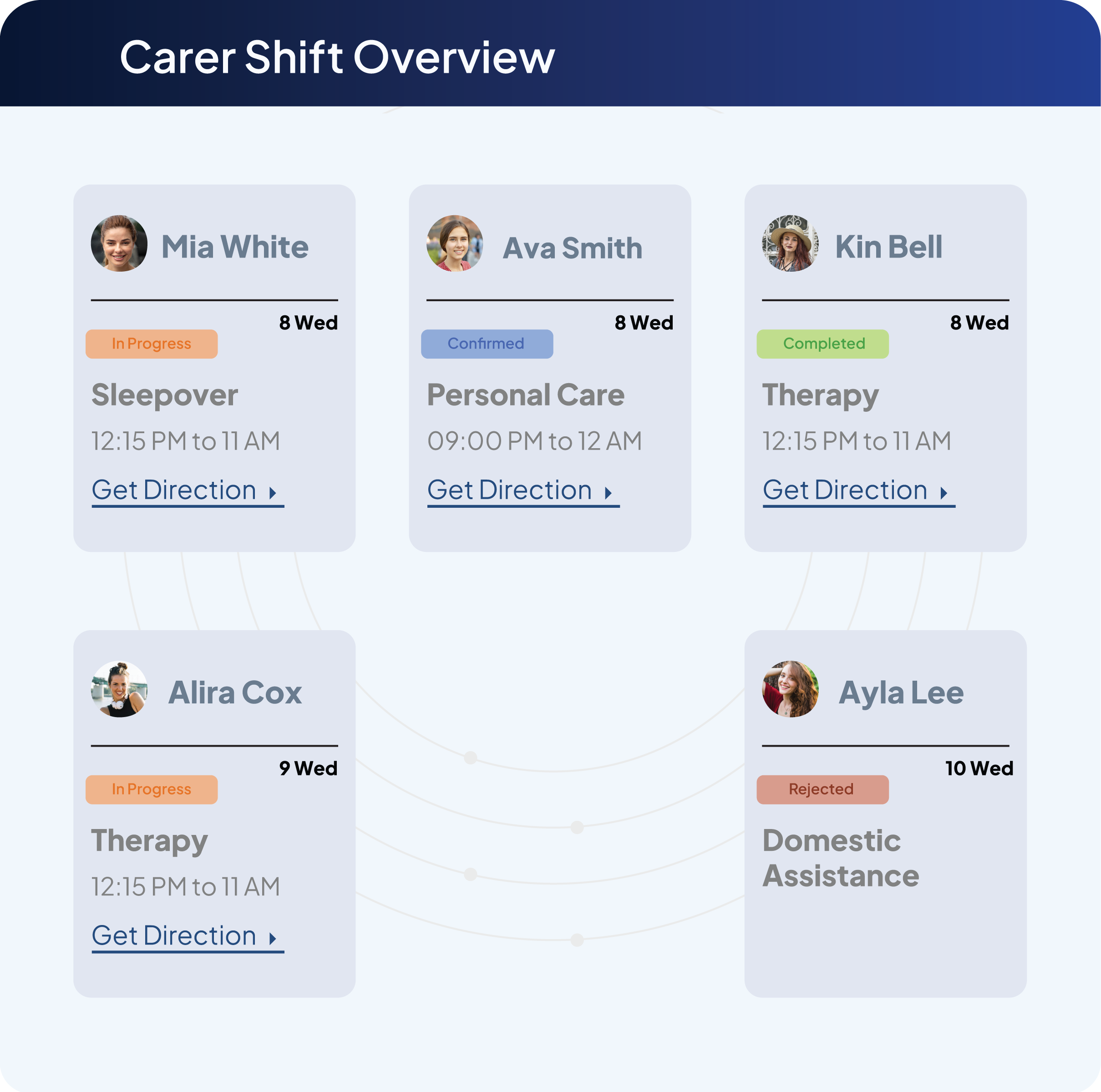
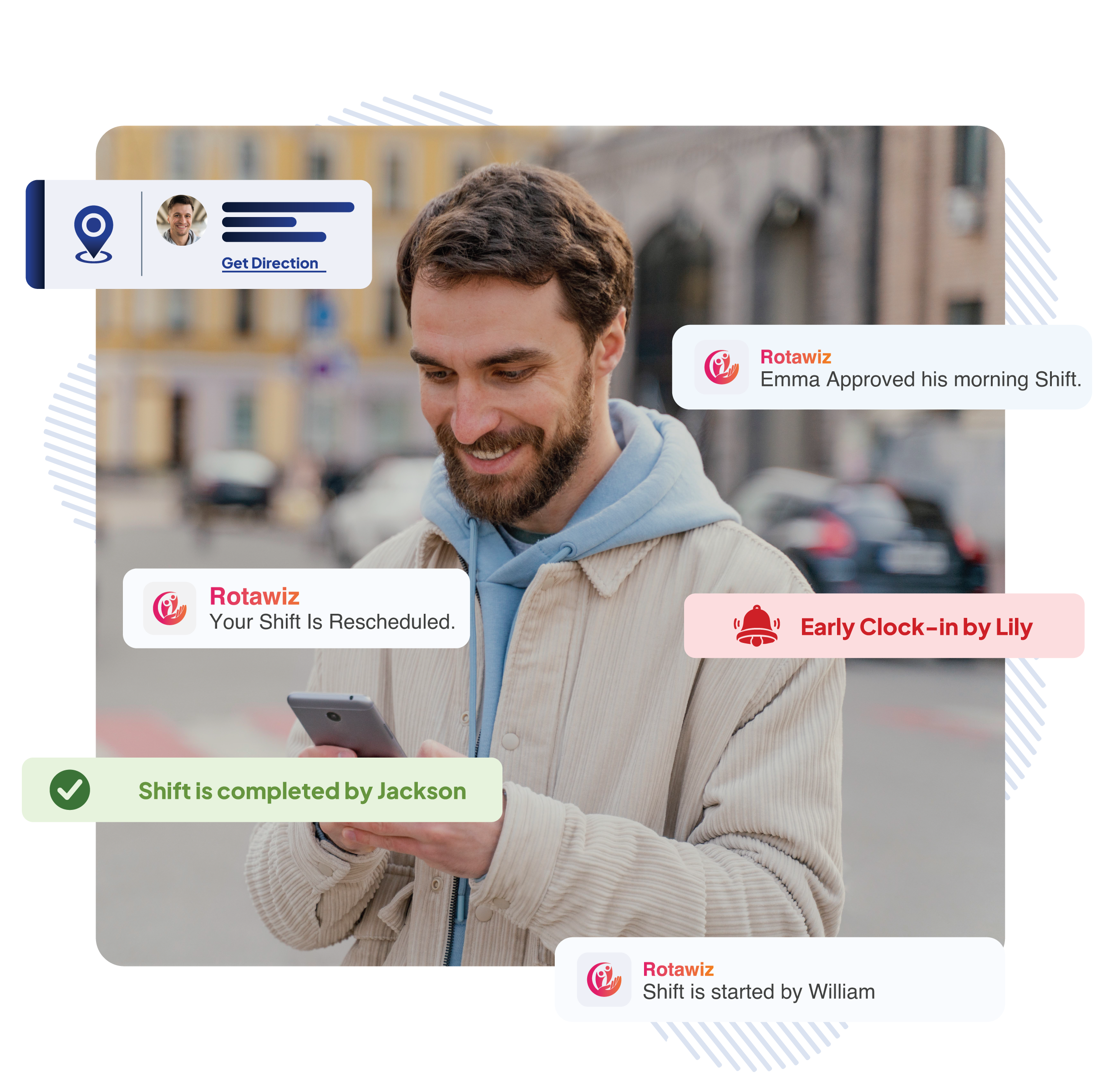
Live Shift Monitoring
Track ongoing shifts and worker availability in real-time.
Instant Updates
Simple navigation and accessibility for instant usage.
Optimised Coordination
Quickly adjust schedules and reassign shifts as needed.
Smart Scheduling & Shift Management
Optimize shift allocation and ensure smart resource utilisation for better efficiency and service delivery.
Automated Rostering
Reduce manual effort with mobile scheduling.
Shift Modifications
Manage last-minute shift changes with ease.
Unavailability Tracking
Assign shifts based on real-time staff availability.
Information at Fingertips
Access and manage information related to clients, shifts, and carers with a mobile app to deliver personalised care.
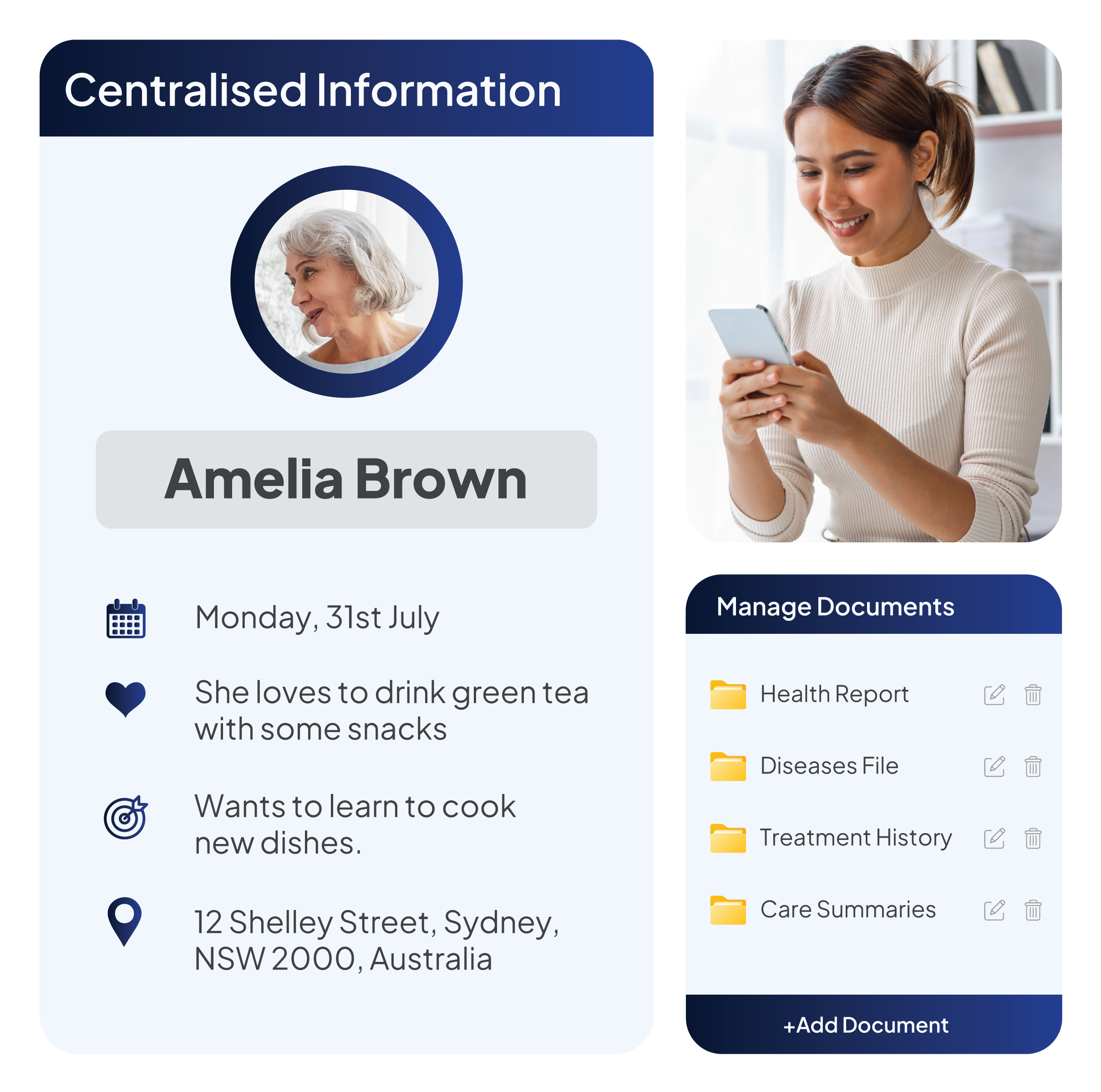
Centralised Information
Access staff and client information with ease.
Document Management
Store, manage, and access docs with an app- go paperless.
Personalised Care
Make the right carer assigned for the shift per the participant’s requirements.
Rostering from Anywhere
Simplify workforce scheduling with the RotaWiz mobile app for admin, enabling efficient shift planning and seamless adjustments on the go.
Instant Scheduling
Create and modify rosters instantly.
Accurate Shift Management
Optimise workforce allocation with available carers and their shift slots.
Quick Shift Approvals
Approve or modify staff requests in just a few taps.
Shift Optimisation for Maximum Productivity
Ensure shifts are efficiently assigned and managed, reducing gaps and improving staff utilisation while maintaining high-quality participant care.
Shift Overlap Prevention
Avoid scheduling conflicts with real-time visibility.
Shift Reminders & Alerts
Notify workers of upcoming shifts or schedule changes.
Participant Notes Sharing
Ensure carers have up-to-date participant information for better service delivery.
Performance Tracking & Insights
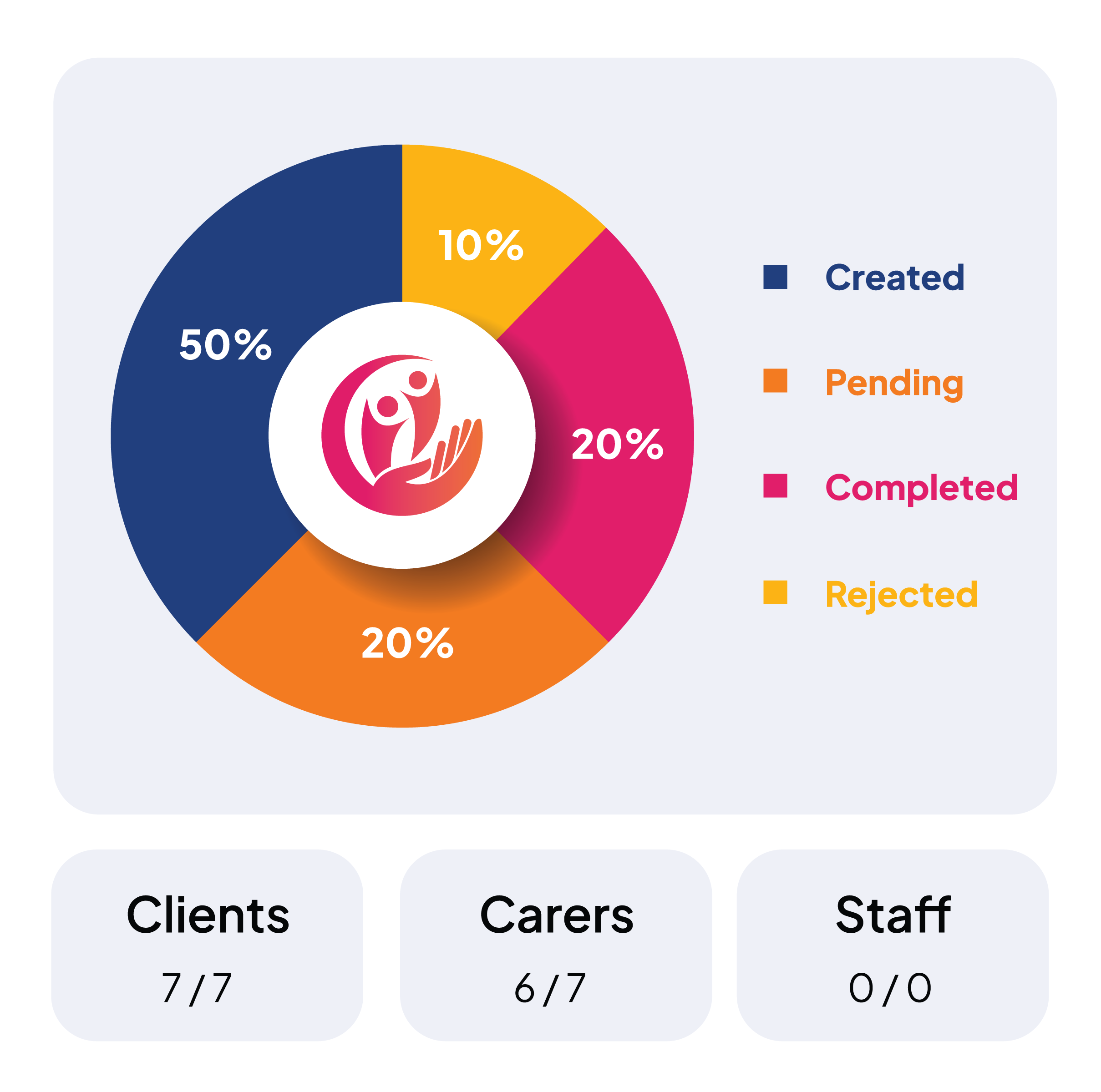
Measure staff performance, track attendance and optimise resource allocation using real-time analytics and reporting features.
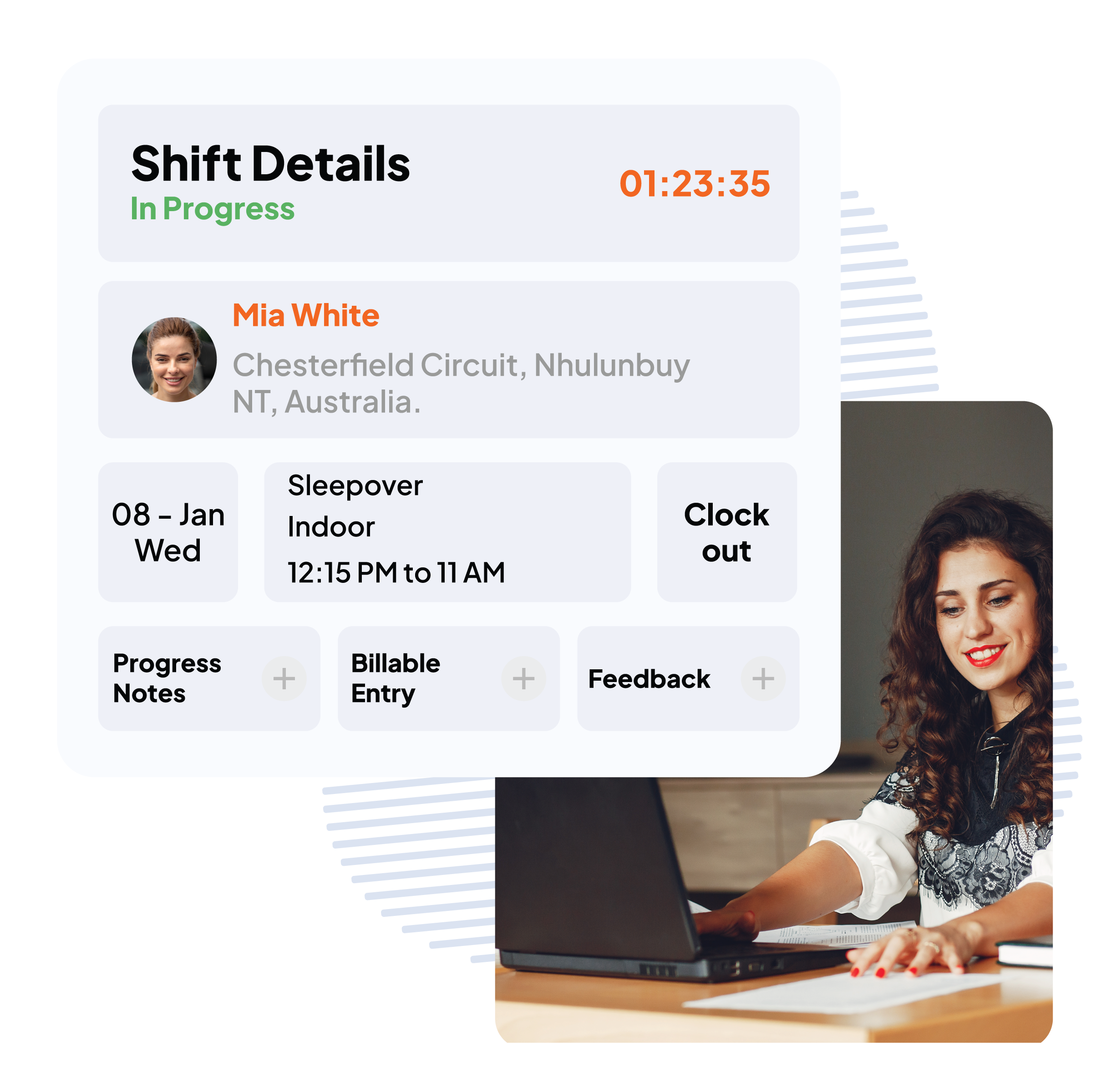
Clock-In & Clock-Out
Ensure precise work hour tracking.
Automated Time-sheets
Reduce administrative workload and errors.
Worker Productivity Reports
Gain insights into staff efficiency and service delivery remotely.
FAQs
What is the RotaWiz admin mobile app used for?
The RotaWiz admin mobile app allows NDIS administrators and support provider teams to manage workforce activities while away from their desktops. It provides access to shift management, scheduling, attendance, participant information and other operational features.
Can administrators create and modify NDIS shifts using the RotaWiz mobile app?
Yes. Administrators can create new shifts, modify existing schedules and manage worker allocations using the mobile app. This helps them respond to scheduling changes while away from the office.
Can an NDIS administrator monitor worker attendance through the mobile app?
Yes. RotaWiz supports clock-in and clock-out activities and shifts attendance visibility through its mobile workflows. Administrators can use this information to monitor ongoing workforce activities.
Can administrators access participant and employee information through the RotaWiz app?
Yes. The admin mobile app provides access to relevant client, employee and shift information. This helps authorised administrators review important operational details while managing support services remotely.
Can administrators manage incident records and staff availability using the RotaWiz mobile app?
Yes. RotaWiz’s admin app supports incident management and workforce availability visibility. Administrators can use these features to review operational updates and coordinate staff activities from their mobile devices.
Download Our Mobile App To Deliver More Than Just Care
Your Search For The Best Suitable Ndis Rostering Software Ends Here!