

Smart QuickBooks Integration for Effortless NDIS Finance Management
Simplify NDIS billing, invoicing, and expense management with QuickBooks integration software. With QuickBooks integration, your rostering and accounting systems work together seamlessly, ensuring faster, more accurate, and fully compliant financial operations.
Data Sync
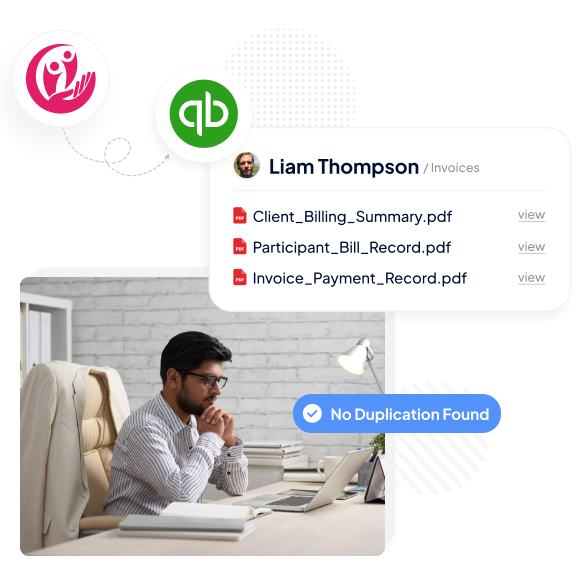
QuickBooks integration in the software automatically syncs every approved shift, invoice, and expense for total accuracy, keeping accounting data aligned.
Automatic Updates
Sync billing, claims, and expenses instantly with QuickBooks integration.
Error Prevention
Eliminate duplication and maintain consistency across both systems.
Real-Time Accuracy
Ensure every record reflects your latest roster activity.
Invoice Automation
Create invoices in seconds and keep your billing streamlined from roster approval to payment, makingthe invoicing process accurate and
audit-ready.
Instant Generation
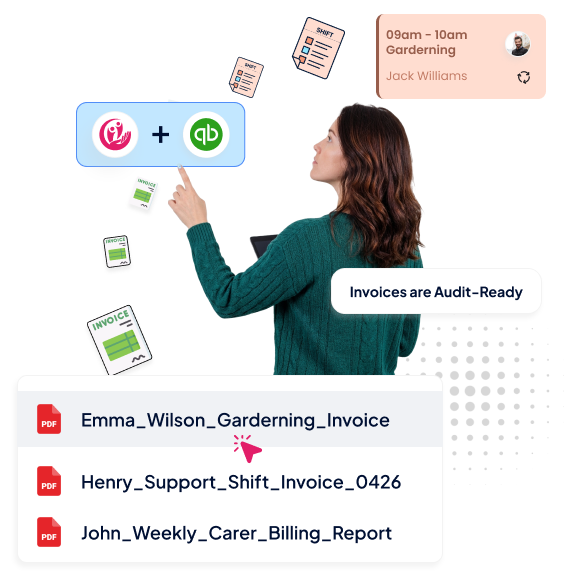
Invoices are automatically generated once rosters are finalised.
Seamless Workflow
Integrating QuickBooks ensures billing data moves directly from shifts to invoices.
Audit-Ready
Keep timestamped, compliant invoice records for every client and claim.
Expense Tracking
Track and manage expenses for care delivery, operations, and NDIS services with ease with QuickBooks integration in the software.
Linked Costs
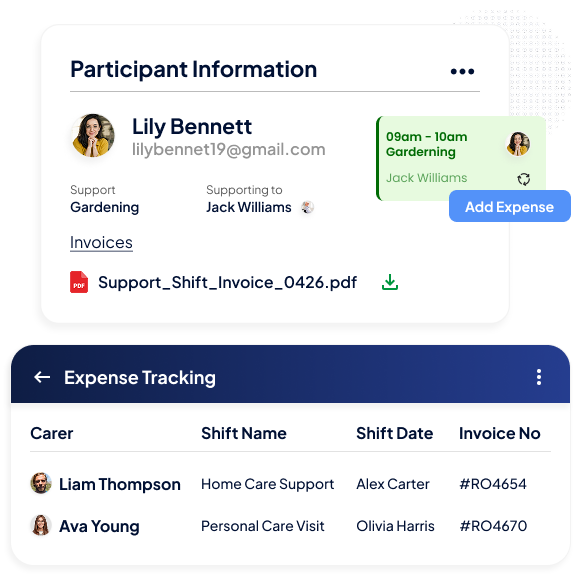
Assign expenses to specific shifts, service types, or clients.
Organised Records
Integrating QuickBooks ensures expense entries are categorised and easy to retrieve.
Financial Clarity
Understand spending patterns and optimise your financial flow.
Clear Insights
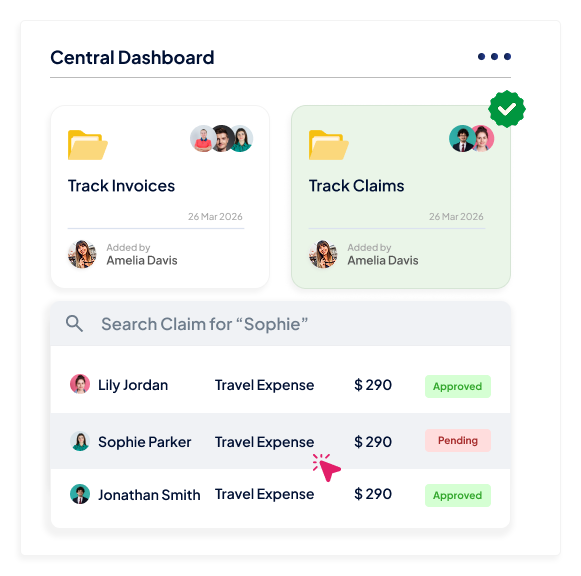
Gain complete visibility into your NDIS billing and financial performance from one central dashboard.
Central Overview
Track invoices, claims, and expenses from a unified interface.
Data Consistency
Ensure all synced information remains reliable and compliant.
Informed Planning
Use real-time insights from QuickBooks integration to plan ahead confidently.
Go Extra Mile With Our Advanced Features
Employee Availability Tracking
Pricebook Management
Shift Notes
FAQs
What is QuickBooks integration in NDIS rostering software?
QuickBooks integration connects RotaWiz’s operational and billing workflows with QuickBooks accounting software. It helps NDIS providers transfer relevant financial information between systems and reduce repeated manual data entry.
Can RotaWiz sync invoices and financial information with QuickBooks?
Yes. RotaWiz supports syncing relevant approved shift, invoice and expense information with QuickBooks. This helps providers maintain more consistent financial records across their rostering and accounting systems.
How do I connect my RotaWiz account to QuickBooks?
To connect QuickBooks, log in to RotaWiz and open Company Settings. Navigate to the Integrations section, select the QuickBooks connection option and sign in to your QuickBooks account to authorise the integration.
Does QuickBooks integration support automatic two-way data synchronisation?
No. RotaWiz’s accounting integration supports one-way data synchronisation from RotaWiz to QuickBooks. Changes made in QuickBooks, such as payment status updates, do not automatically synchronise back into RotaWiz.
How does QuickBooks integration help reduce accounting administration for NDIS providers?
The integration helps reduce repeated entry of relevant shift and financial information across separate systems. By connecting approved operational records with accounting workflows, providers can simplify invoice processing and improve financial record consistency.
Want to Deliver a
Higher Standard of Care and Manage Your Team Effortlessly?
We Got You Covered For All Your Questions!
Visit our dedicated page to get your queries and questions addressed with detailed information.